MiniTool Coupon Codes & Promo Codes October 2026
Developer of data recovery, partition management, and backup software for Windows and Mac users.
Save now with 22 active and verified coupons & promo codes, carefully reviewed and updated regularly to help you save with confidence.
Data Recovery
Disk Management
Backup Software













Earn 36.00% cashback on eligible MiniTool purchases
MGcoupon account reguired
Get Cashback +36.00%
How to Use MiniTool Discount Code?


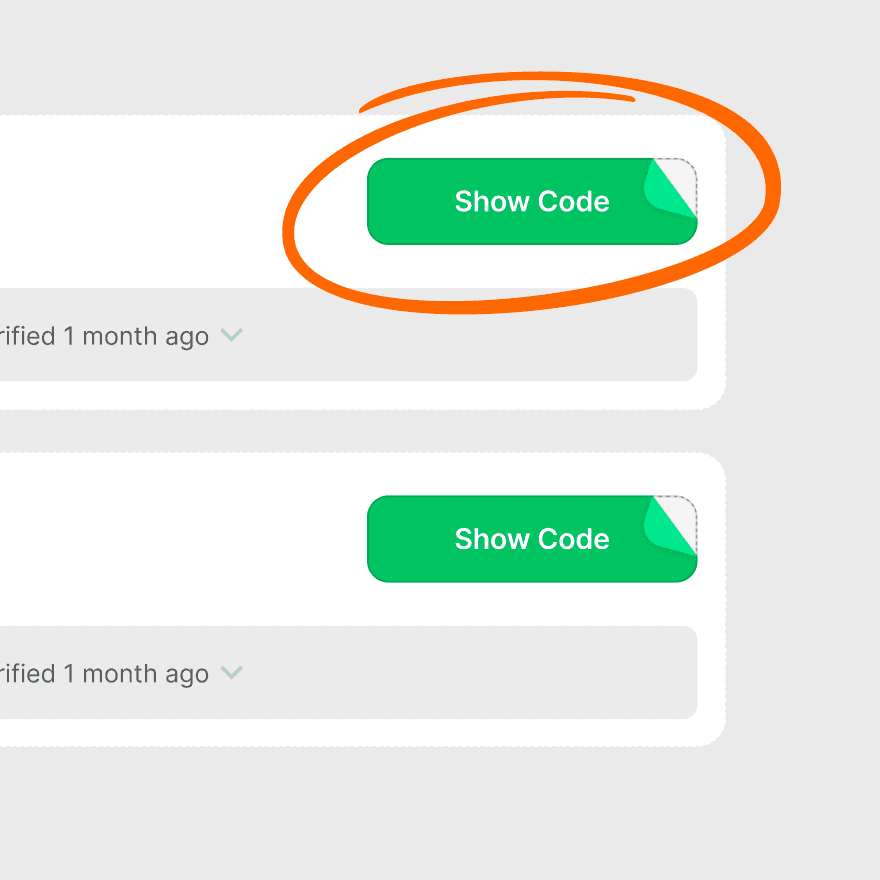
In just three steps, you can enjoy discounts on MiniTool through mgcoupon

Copy code
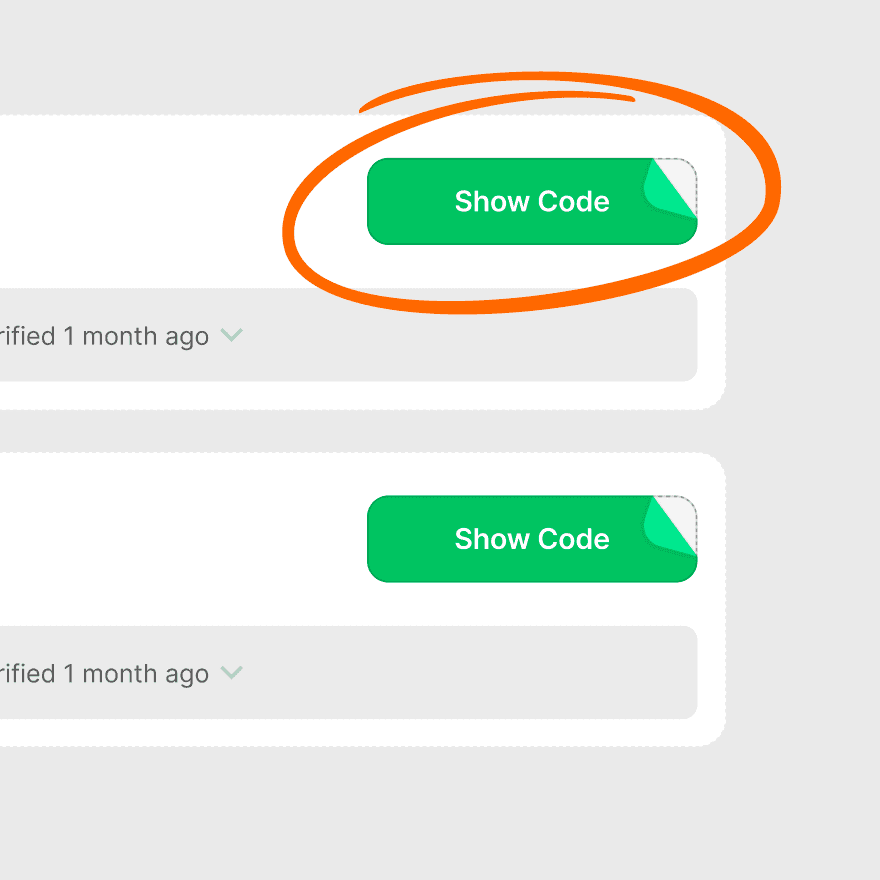
Find the code you want to use in the list and click "copy code"

Go To Shop
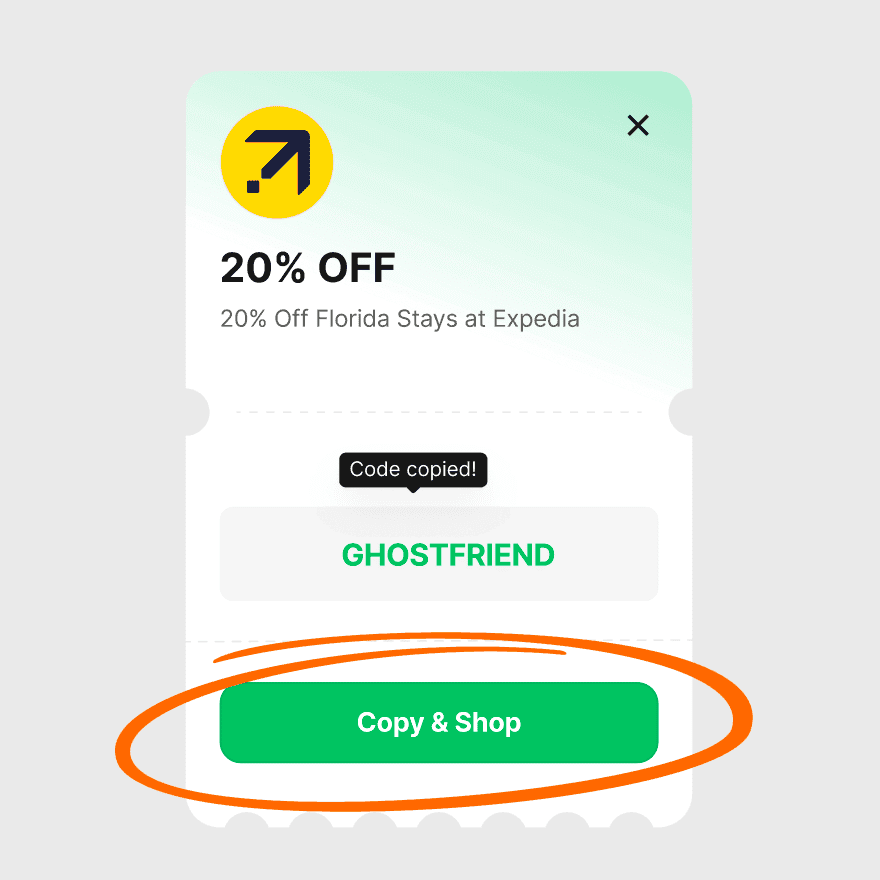
When the coupon card shows "COPY SUCCESS", you can return to the store to use it.

Use coupon
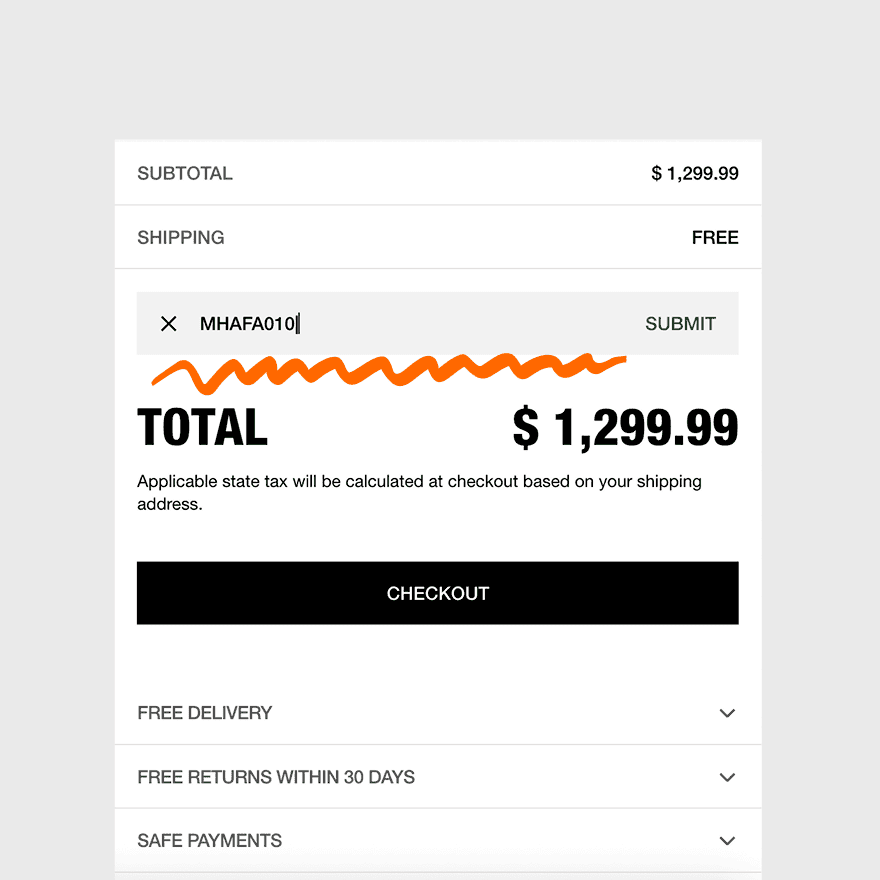
Paste the coupon in the checkout input box and click "Apply" to enjoy the discount.
Live Savings Spotlight
Product Recommendation

MiniTool Power Data Recovery
Core Features
Recovers deleted/lost files from various storage devices like HDDs, SSDs, USB drives, and SD cards. Supports over 100 file types. Specific location scanning for faster recovery.
Reason to Buy
User-friendly interface makes it easy for beginners to recover lost files from various data loss scenarios, including accidental deletion, formatting, and system crashes.
Price Range
USD$69–$499
Discount Density
medium
Suitable For
Home users and businesses needing to recover accidentally deleted or lost files from various storage devices.
User Reviews Summary
Users find it effective for recovering significant amounts of data easily. The wizard-like interface is praised for its simplicity, though some note that recovery performance can vary depending on the scenario.
MiniTool Partition Wizard
Core Features
Manages disk partitions by creating, resizing, formatting, and converting them. It can also check file systems, measure disk speed, and analyze disk usage.
Reason to Buy
A comprehensive tool for optimizing disk performance and structure without data loss. The Pro version offers advanced features like data and partition recovery.
Price Range
USD$59–$159
Discount Density
medium
Suitable For
PC users and IT professionals who need to manage hard drives, migrate operating systems, and recover lost partitions.
User Reviews Summary
Praised for its user-friendly interface and extensive features, making complex tasks like resizing partitions simple and safe. Some users note that more advanced features are only available in the paid versions.
MiniTool ShadowMaker
Core Features
Provides file, folder, system, and disk backup solutions. Features include automatic backups, disk cloning, and file synchronization.
Reason to Buy
A straightforward tool for setting up regular backups to prevent data loss. The Pro version offers features like remote control and the ability to restore to a different computer.
Price Range
USD$29–$129
Discount Density
low
Suitable For
Users looking for a simple and effective solution to back up their system and important files to prevent data loss.
User Reviews Summary
Users appreciate its simplicity for setting up automatic backups. The free version is considered useful for basic needs, but some reviews mention the lack of advanced features like encryption in the free tier.
Discount Trends
Price Overview
MiniTool offers software with various pricing tiers, including free versions with limited features and paid options starting from around $59 for individual products. Pricing is based on subscription models (annual) and perpetual licenses.
Discount Rules
Year Round Discount
MiniTool provides discounts throughout the year through coupon codes and by bundling products. Subscribing to their newsletter often grants access to exclusive promotions and a welcome discount of 10-15%.
Common Discount Rate
sually 20% to 35% off (approx. $100-$450 off) during sales events.Typical discounts range from 20% to 50% off on various software products. During major sales events, discounts can go up to 70% or more.
Promotion Calendar
Deepest discounts occur on Prime Day (July/Oct), Black Friday (Nov), and the Anniversary Sale (August).Major sales events occur during Black Friday/Cyber Monday and an annual Early Spring Sale in March or April, which often features the deepest discounts. Other promotions are common during seasonal transitions.
Student Discount
Students can receive discounts of up to 70% on specific products like MiniTool MovieMaker and PDF Editor by verifying their student status.
Best Way to Save
The most significant savings can be achieved by purchasing during the Early Spring Sale or Black Friday/Cyber Monday events. Subscribing to the newsletter is also recommended for exclusive discount codes.
Shipping Policy
Free Shipping
As a software provider, MiniTool delivers its products digitally, so traditional shipping costs do not apply.
Regions
Global.
Notes
Software is available for immediate download after purchase.
Competitor Comparison
Latest Shopping & Saving Guides
Tip 1
Look for big discounts of up to 70% during Black Friday and Cyber Monday sales events.
Tip 2
Save money by purchasing software bundles instead of individual products, especially during promotions.
Tip 3
Subscribe to the MiniTool email newsletter to receive exclusive discount codes and sale announcements.
Tip 4
Check for seasonal promotions and special deals on their official website, particularly for business editions.
Tip 5
Take advantage of the 30-day money-back guarantee if you find a better price right after your purchase.
Top User Reviews

User-friendly interface is intuitive even for beginners.

Offers capable free versions sufficient for basic tasks.
Effectively recovers data from various storage devices and scenarios.
Provides comprehensive partition management features (create, resize, merge, copy).
Wizard-guided operations simplify complex tasks like OS migration.
MiniTool Promo Codes FAQs



Any third-party trademarks that appear on our website are the property of their third-party owners.
The presence of any such trademark does not indicate any affiliation or endorsement between Mgcoupon and the respective third-party.
When you buy through links on Mgcoupon, we may earn a commission.